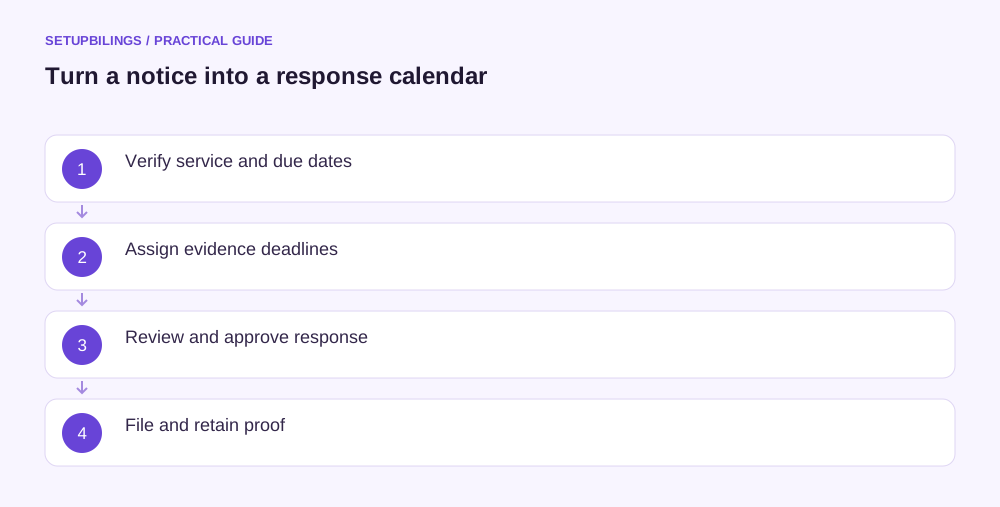
Build a GST notice response calendar from the communication’s stated requirements and the applicable legal timing rules, using the actual service facts. Keep the external deadline separate from earlier internal targets for records, review and filing. A generic reminder saying “reply within thirty days” is unsafe when the notice concerns a different form or stage.
Collect the date evidence first
Save the notice issue date, portal availability details, email or postal service evidence and the date the business actually discovered it. These dates can differ. Ask the adviser to determine the legally relevant service and deadline calculation for the particular proceeding.
Do not substitute the day an accountant forwarded the PDF for the relevant service date. Equally, do not delete a contradictory timestamp simply because another date seems more convenient.
Record the wording of the deadline in a separate field, including whether it gives a fixed date or a period from service. If the portal and PDF differ, flag the inconsistency promptly and seek clarification while planning against the earliest plausible deadline pending advice.
Separate obligations into different events
A notice may require a written explanation, specific documents and attendance at a hearing. Payment-related steps or an application can have another date and legal basis.
Put each event on its own row. Filing a reply does not necessarily satisfy a separate hearing direction, and attending a hearing does not prove the written evidence was uploaded.
GSTN’s notice manual distinguishes draft preparation, filing and the later record of a filed reply. Build the calendar around completed actions and their acknowledgements, not merely the day a draft is saved.
An illustrative working calendar
Assume a Surat business receives a notice that expressly states a reply date of 5 November and a hearing date of 12 November. These are illustrative stated dates, not a general legal response period.
| Event | Calendar target | Completion evidence |
|---|---|---|
| Freeze source extracts | 27 October | Dated books and return exports |
| Complete reconciliation | 29 October | Reviewed issue-wise working |
| Adviser review | 1 November | Approved changes and open questions |
| Signatory approval and filing | 3 November | Filed reply and acknowledgement |
| External reply deadline | 5 November | Confirmed filing before this date |
| Hearing preparation | 9 November | Chronology and indexed hearing file |
| Stated hearing | 12 November | Attendance and factual follow-up record |
The internal filing target leaves time to handle a failed signature or unreadable upload. It does not extend the external deadline. If the actual notice allows less time, compress and escalate the work rather than copying this schedule unchanged.
Give every task an owner and dependency
Assign one named owner for each record set. Sales may explain invoice amendments, purchase staff may obtain receipt evidence and accounts may prepare the return bridge.
Show dependencies explicitly. An adviser cannot verify an invoice-level mismatch while the team has supplied only an annual turnover total. A signatory cannot approve an annexure that is still changing without a version reference.
For each target, record the output expected: “purchase evidence for invoices listed in Annexure B” is more actionable than “accounts to check GST.”
Treat extension requests as pending decisions
Where the relevant process permits additional time, prepare a supported request early and record its filing reference. State what is incomplete, why more time is required and the requested period through the appropriate channel.
Keep the original deadline active until an actual extension or other valid direction is established. An email asking for time is not itself evidence that time was granted.
When a direction changes the date, preserve both the original requirement and the new authority. Record who checked the revised calculation and which tasks need to move. Do not overwrite the earlier entry without history.
Track service problems and portal issues separately
If an attachment is missing, the portal is inaccessible or a filing attempt fails, preserve screenshots, timestamps and support-ticket details. Escalate through the relevant official and professional channels promptly.
A technical problem does not automatically suspend a statutory deadline. The file should show what happened and what action was taken, rather than relying on an undocumented statement that the portal was down.
Avoid leaving signature arrangements until the final hour. Confirm the authorised signatory, access and applicable authentication route while substantive work continues.
Include payment and review dates carefully
If the reviewed response involves a payment, obtain the approved tax-head and period working before scheduling it. Distinguish cash deposited into the electronic cash ledger from an amount actually debited or applied to the relevant liability.
Do not assume every payment concludes the proceeding or eliminates a further reply. Record the document or acknowledgement that supports the next status.
For an order rather than a notice, the calendar may need appeal, rectification or recovery review. Those steps require their own legal assessment instead of being placed under a generic reply deadline.
Close events with evidence
Mark a task complete only after saving the actual output. For filing, preserve the submitted text, exact attachments, acknowledgement and case status. For a hearing, retain a factual note and any written directions.
Review the calendar until the matter’s next formal stage is known. The practical goal is a visible chain from notice service to completed response, with enough internal time for a considered submission and reliable proof that each required action happened.